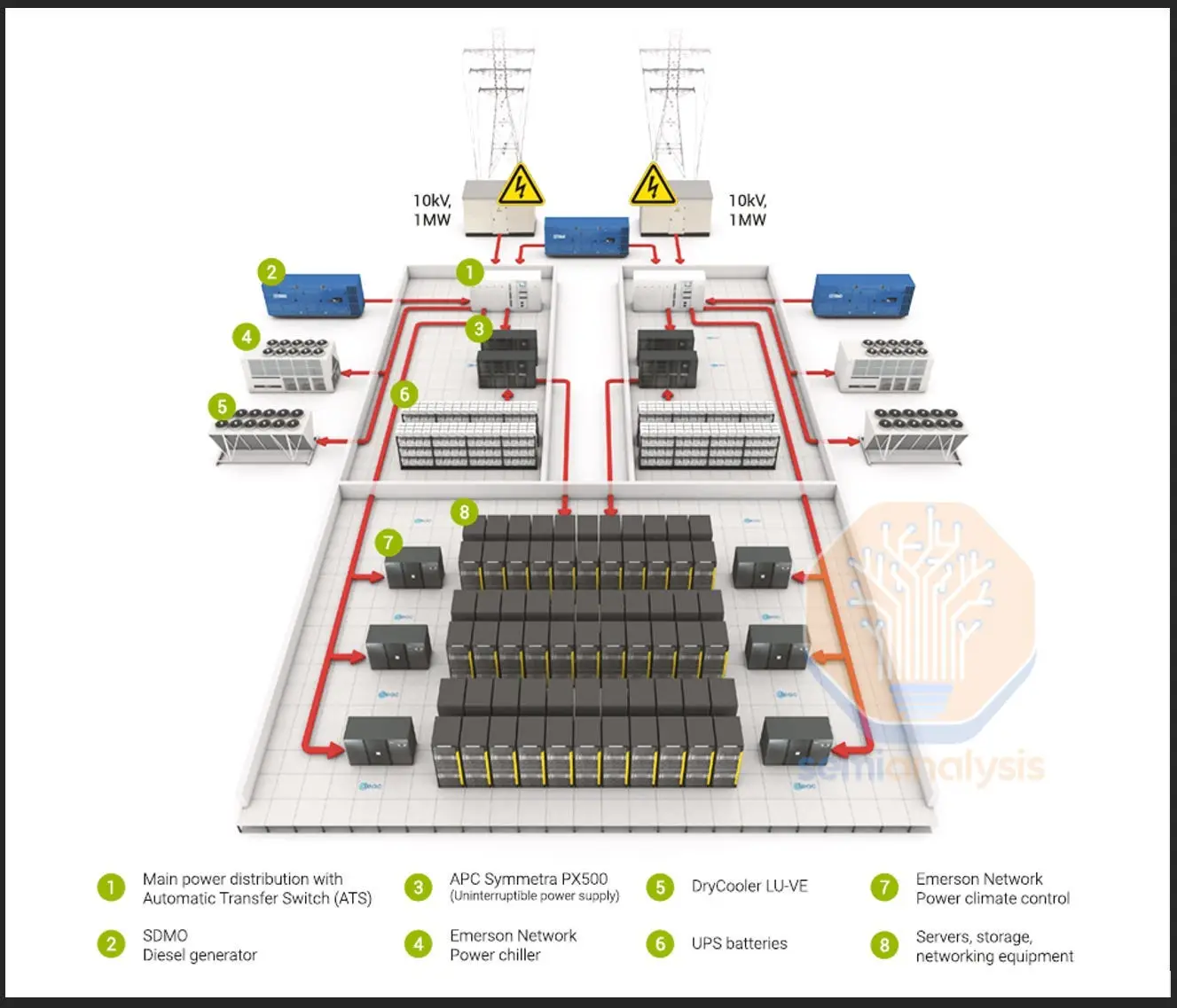
Points of Distribution (PoD)
1. What is it?
In a data center, Points of Distribution (PoD) are the structured layers where network cabling and devices are logically grouped.
Think of them as checkpoints or junctions where cables come together and are distributed to the next level.
This design makes the network scalable, organized, and easier to manage.
2. Theoretical Definition
The Telecommunications Industry Association (TIA) defines distribution points in structured cabling standards.
They divide the data center network into hierarchical layers that handle traffic at different scales:
- MDA (Main Distribution Area) → The central hub where core routers, main switches, and backbone connections live.
- IDA (Intermediate Distribution Area) → The middle layer (optional) that helps when the data center is very large.
- HDA (Horizontal Distribution Area) → The distribution points closer to server racks; usually houses access switches.
- EDA (Equipment Distribution Area) → The endpoints — where servers, storage, and user devices are connected.
3. Why is it important?
- Ensures data flows smoothly from core (MDA) to servers (EDA).
- Reduces network congestion by spreading load across layers.
- Makes troubleshooting easier (you know at which “layer” a problem exists).
- Provides redundancy — if one path fails, another can take over.
- Supports modular scaling: just add more PoDs when expanding.
4. How is it planned?
A simple way to understand the PoD hierarchy:
-
Main Distribution Area (MDA)
- The “brain” of the data center.
- Contains the core routers, firewalls, and main patch panels.
- Connects to external ISPs and WAN links.
-
Intermediate Distribution Area (IDA) (used in large data centers)
- The “regional office” between the brain and the floor-level switches.
- Helps reduce long cable runs by splitting traffic regionally.
-
Horizontal Distribution Area (HDA)
- The “floor manager” for a row of server racks.
- Contains access switches and patch panels that connect to equipment in that area.
-
Equipment Distribution Area (EDA)
- The “end users” of the system — servers, storage, and application hardware.
- The final point where devices plug into the network.
📌 Design Tip
In smaller data centers, IDA might be skipped, but MDA → HDA → EDA is always present.
5. Impact if not done correctly
- Too many devices connected directly to core switches → bottlenecks and downtime.
- Difficult to trace faults → longer MTTR (Mean Time to Repair).
- Poor scalability — adding new racks means running new long cables instead of plugging into local HDAs.
- Higher costs in cable management and cooling.
6. Real World Example
At Equinix Data Centers, the Point of Distribution design is key to their colocation services.
- MDA connects clients to global internet backbones.
- HDA distributes connections to each customer’s cage/rack.
- EDA connects to client servers.
This modular design allows Equinix to onboard new clients quickly while keeping latency low and ensuring uptime.
👉 Easy Analogy:
- MDA = Airport hub (international flights).
- IDA = Regional airports (optional).
- HDA = City airports.
- EDA = Your neighborhood taxi stand (final destination).