Datacenter Servers
1. What is it?
Servers are the core computing machines inside a data center.
They process data, run applications, host websites, and provide storage and network services.
Without servers, a data center is just an empty building with cables.
2. Theoretical Definition
A server is a specialized computer system designed to provide services, applications, or resources to other systems (clients) over a network.
They are optimized for performance, reliability, and scalability, unlike personal desktops.
Types of servers commonly found in data centers:
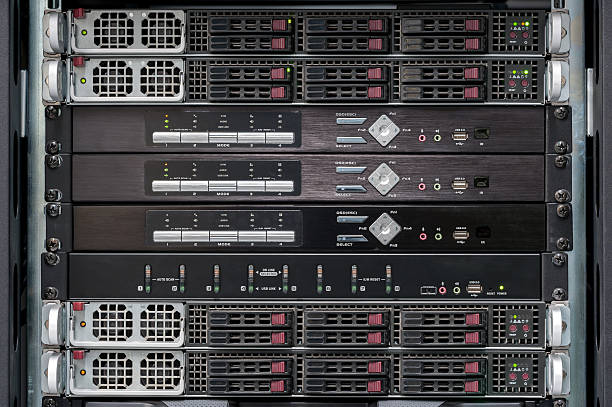
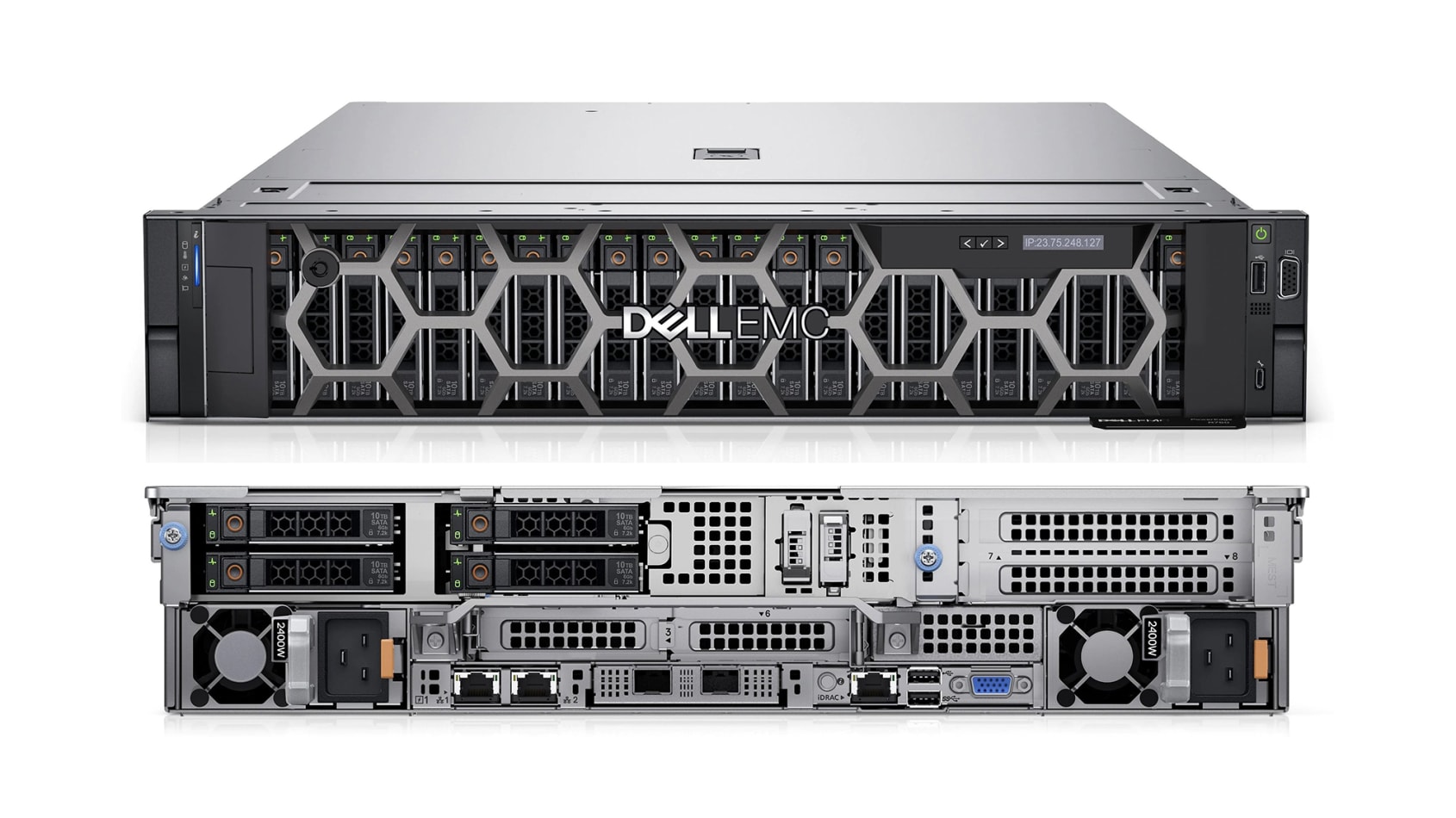
- Rack Servers → Standalone units mounted in racks (1U, 2U form factors).
- Blade Servers → Slim modules that fit into a chassis, sharing power and cooling.
- Tower Servers → Standalone cabinet-like servers (less common in large data centers).
- Hyperconverged Servers → Combine compute + storage + networking in a single appliance.
3. Why is it important?
- Run Business-Critical Applications → Databases, ERP systems, web applications.
- Store and Process Data → From customer records to analytics workloads.
- Enable Virtualization → Multiple virtual machines (VMs) can run on one physical server.
- Support Cloud Infrastructure → Cloud providers rely on large clusters of powerful servers.
4. How is it planned?
- Server Form Factor → Decide whether to use rack, blade, or hyperconverged depending on density and workload.
- Performance Requirements → CPU (cores, speed), RAM (capacity), and storage type (SSD/HDD).
- Redundancy → N+1 design (extra server capacity to handle failures).
- Cooling & Power → Ensure sufficient power supply and airflow for high-density racks.
- Scalability → Design clusters that can scale horizontally by adding more servers.
5. Impact if not done correctly
- Underpowered Servers → Slow applications, poor user experience.
- Overprovisioned Servers → Wasted costs on unused capacity.
- Single Points of Failure → Outage if redundancy isn’t planned.
- Inefficient Layout → Poor cooling and higher electricity bills.
6. Real World Example
- Google designs custom servers optimized for performance and energy efficiency.
- Facebook’s Open Compute Project (OCP) builds open-standard servers for scalability and lower costs.
- A bank’s data center may use blade servers for transaction processing, while a cloud provider like AWS uses hyperconverged and rack servers in clusters.
👉 Easy Analogy:
Think of servers as the kitchen of a restaurant:
- They prepare (process) and serve (deliver) food (data/applications).
- The type of kitchen setup (rack, blade, hyperconverged) depends on the restaurant’s size and demand.